Android TV boxes to compact 4K HDR devices, find the perfect streaming companion
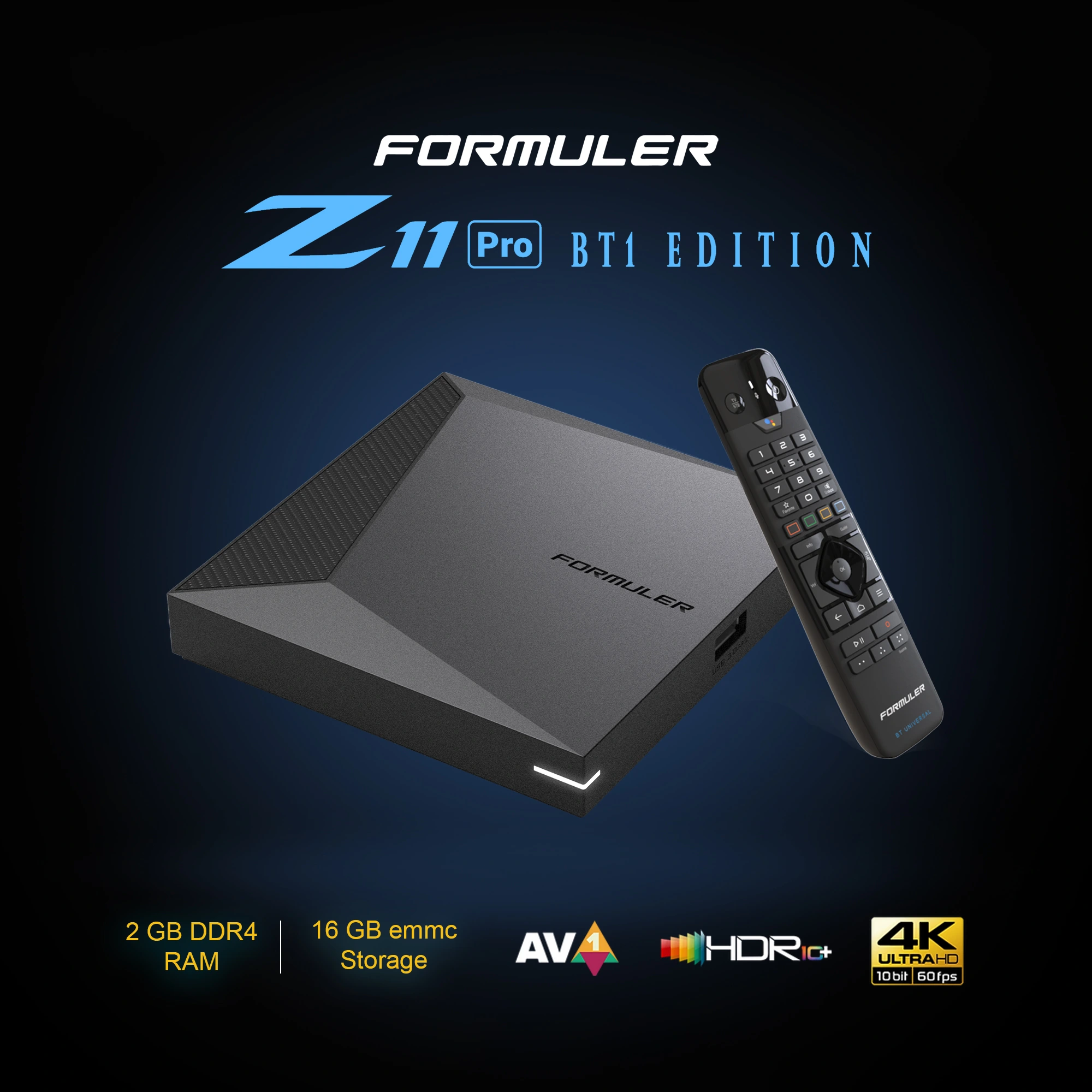

CAD$219.99 CAD$229.99
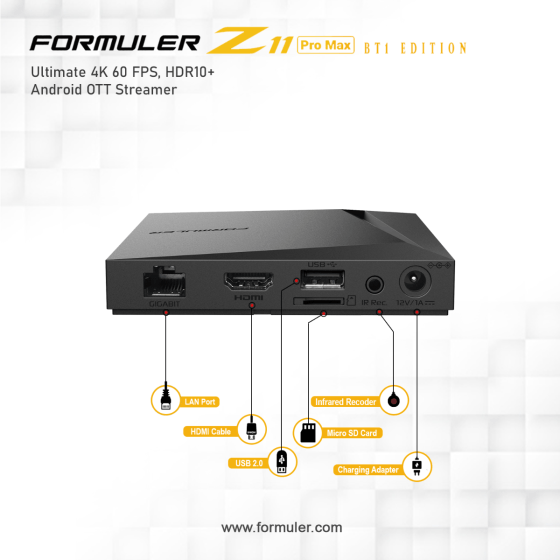
CAD$159.99 CAD$169.99
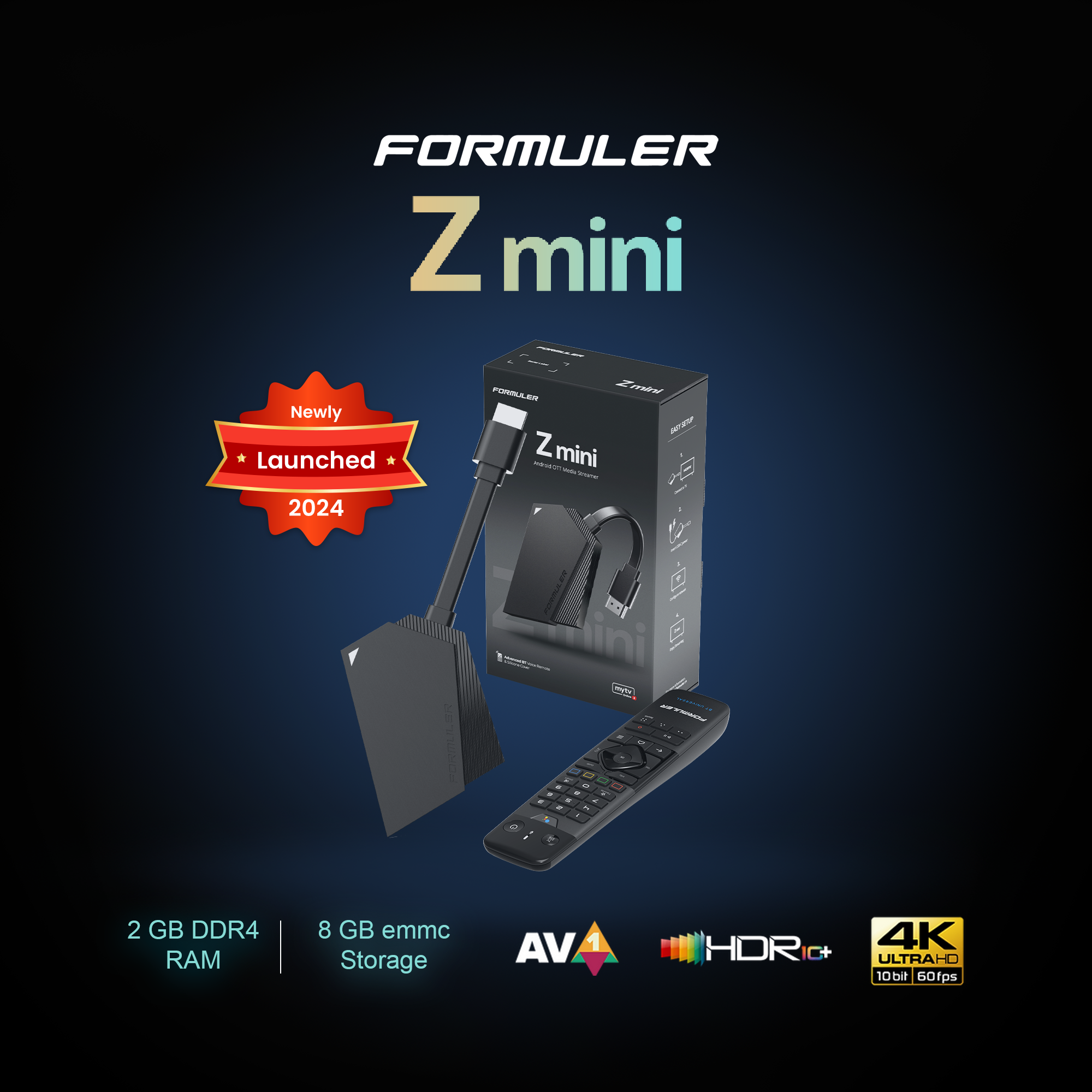

CAD$199.99 CAD$209.99
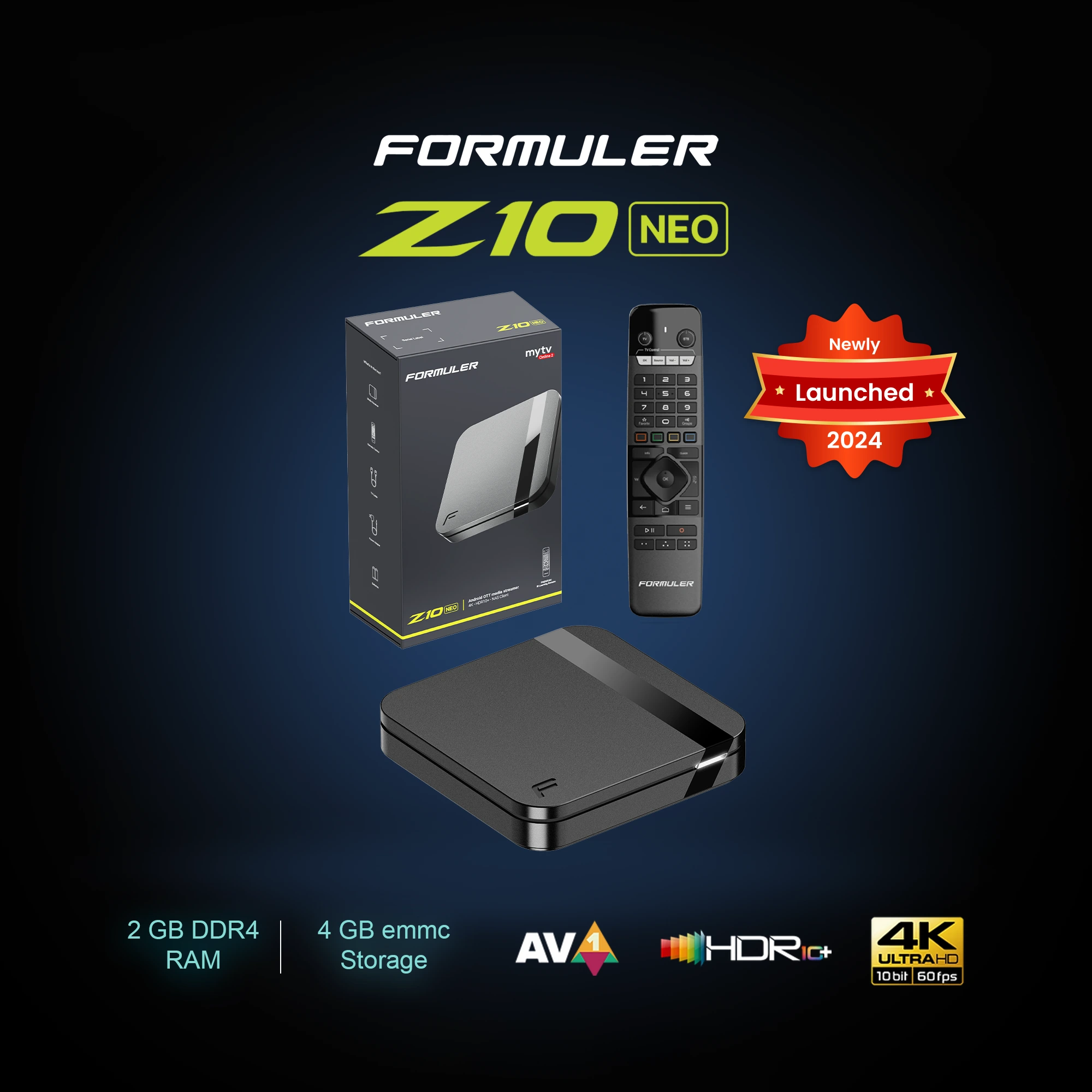

CAD$179.99 CAD$189.99
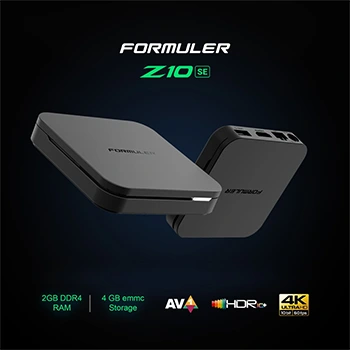

CAD$149.99 CAD$159.99
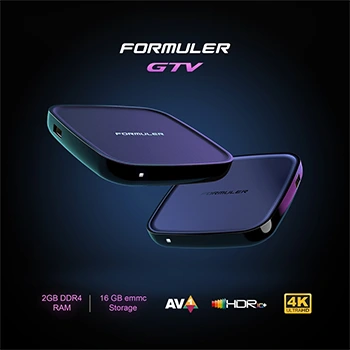

CAD$139.99 CAD$149.99
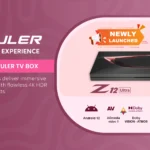
Formuler devices are primarily Android-based media streamers designed to deliver high-quality IPTV, OTT (Over-The-Top) streaming, and multimedia playback. They allow users to access various online content, including live TV, on-demand video, and apps, on their televisions.
The main differences typically lie in processing power, RAM, storage, and connectivity options. The Z11 Pro Max usually offers higher specifications, such as more RAM, storage, and potentially faster Wi-Fi, compared to the standard Z11 Pro. Check the specific model specifications on the Formuler website for exact comparisons.
Yes, Formuler devices, being Android-based, support many popular streaming apps available on the Google Play Store. However, compatibility and performance can vary. It is important to ensure the apps are officially available through the Google Play Store on your Formuler device.
Formuler devices typically receive software updates over the internet (OTA – Over-The-Air). You can usually find the update option in the device’s settings menu under “System Update” or a similar name. Follow the on-screen instructions to download and install the latest firmware.
MyTVOnline 2 (MOL2) is Formuler’s proprietary IPTV client application. It is designed to provide a seamless and user-friendly experience for watching IPTV content. It supports advanced features like EPG (Electronic Program Guide), recording, time-shifting, and more.
Yes, since Formuler devices run on Android, you can install apps from the Google Play Store. However, installing apps from unknown or untrusted sources (sideloading) is generally discouraged due to potential security risks.
Yes, many Formuler devices, such as the Z11 Pro and Z11 Pro Max, support 4K UHD resolution, allowing for high-definition video playback. Check the specifications of each model to confirm 4K support.
A stable and fast internet connection is recommended for optimal streaming. The minimum speed depends on the content you want to stream. For HD and 4K streaming, a broadband connection of at least 10-25 Mbps is advisable.