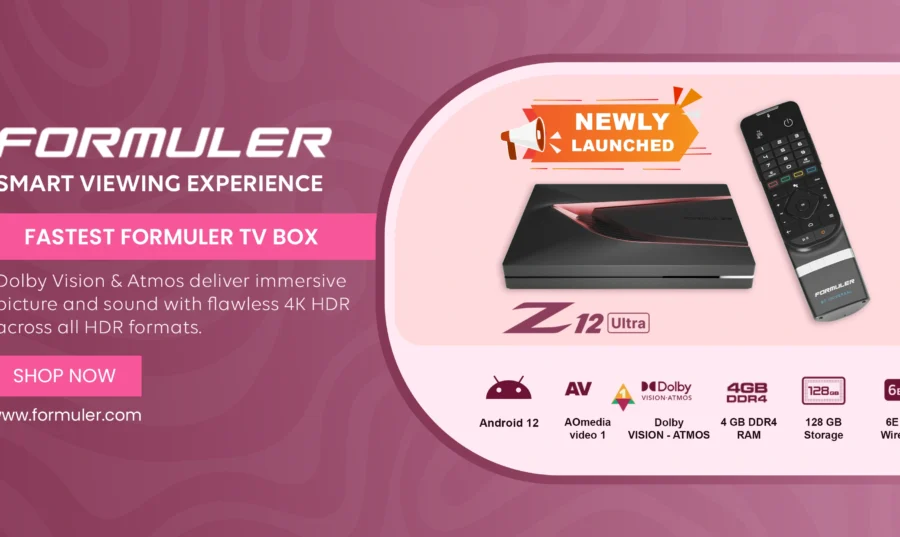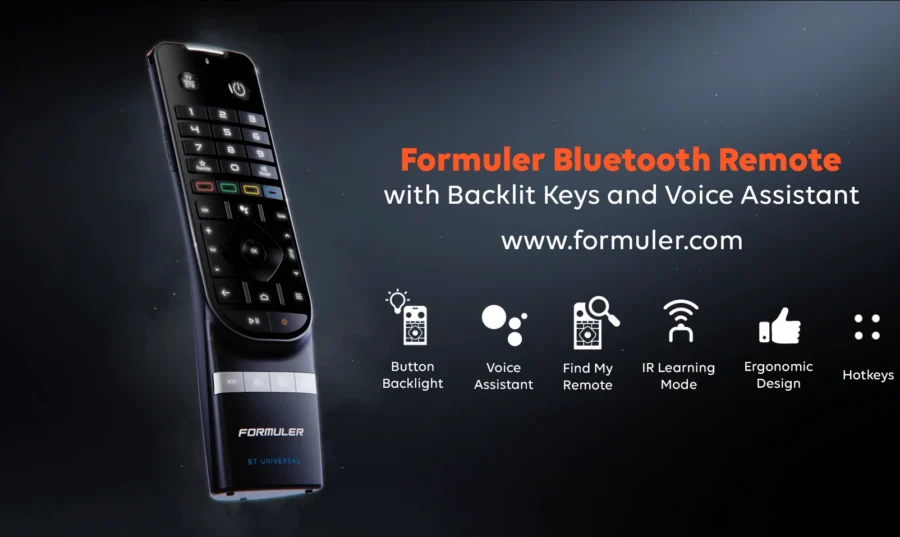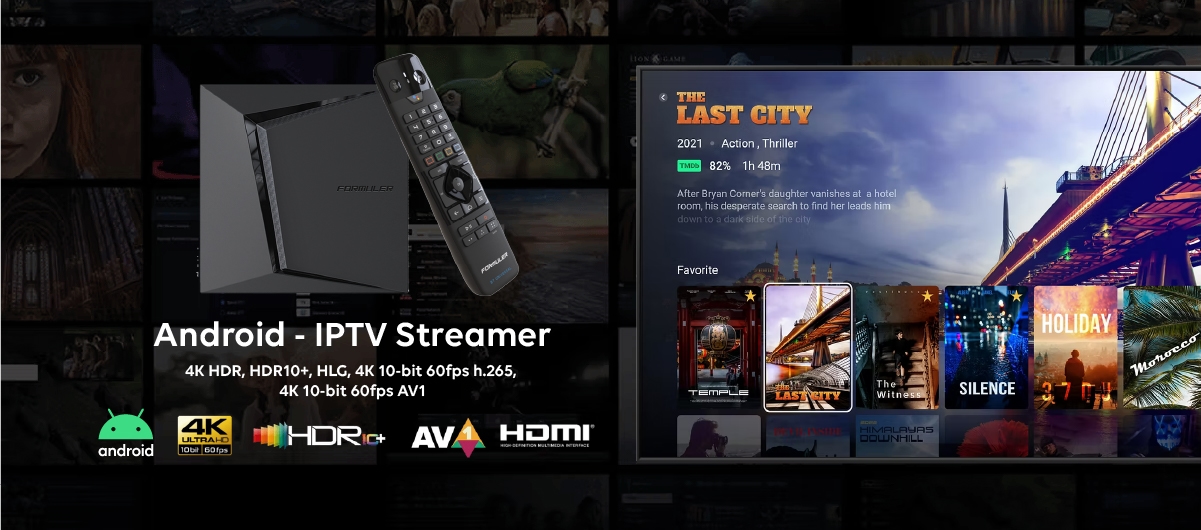
Formuler Android Box is a type of set-top box that runs on the Android operating system and allows you to stream video content on your television. The box provides access to a wide range of apps and services through the Google Play Store, allowing you to watch your favorite TV shows, movies, and other video content.
Formuler Android Box is specifically designed for use with IPTV services, which allow you to access a variety of television programming over the internet. The box provides a user-friendly interface and advanced features such as time shift functionality, recording options, and an electronic program guide (EPG) that makes it easy to find and record your favorite shows.
In addition to IPTV services, Formuler Android Box also allows you to access other streaming services such as Netflix, Amazon Prime Video, and YouTube, as well as games and other apps available through the Google Play Store.
Overall, Formuler Android Box is a great option for anyone looking to cut the cord on traditional cable TV and access a wide range of streaming content through their television. The advanced features and user-friendly interface make it easy to use, even for those who may be less tech-savvy.
What is Formuler Android Box?
Formuler Android Box is a set-top box that runs on the Android operating system and allows you to stream video content on your television. It provides access to a wide range of apps and services through the Google Play Store, including IPTV services, Netflix, Amazon Prime Video, and YouTube.
What is IPTV?
IPTV stands for Internet Protocol Television, and it refers to the method of transmitting television programming over the internet. IPTV services allow you to access a variety of television programming over the internet, without the need for a satellite dish or cable TV subscription.
How do I connect my Formuler Android Box to my TV?
To connect your Formuler Android Box to your TV, you will need an HDMI cable. Simply connect one end of the HDMI cable to the HDMI port on the Formuler Android Box, and the other end to the HDMI port on your TV. Then, turn on your TV and select the HDMI input that corresponds to your Formuler Android Box.
Can I access IPTV services with Formuler Android Box?
Yes, Formuler Android Box is specifically designed for use with IPTV services and provides advanced features such as time shift functionality, recording options, and an electronic program guide (EPG) that makes it easy to find and record your favorite shows.
What other apps and services can I access with Formuler Android Box?
In addition to IPTV services, Formuler Android Box also allows you to access other streaming services such as Netflix, Amazon Prime Video, and YouTube, as well as games and other apps available through the Google Play Store.
Is Formuler Android Box easy to use?
Yes, Formuler Android Box provides a user-friendly interface that makes it easy to use, even for those who may be less tech-savvy. The advanced features, such as the EPG and recording options, make it easy to find and record your favorite shows.
Can I record programs on my Formuler Android Box?
Yes, Formuler Android Box allows you to record programs and movies for later viewing. This feature requires an external USB storage device.
Do I need a fast internet connection to use Formuler Android Box?
Yes, you will need a fast and stable internet connection to stream video content on your Formuler Android Box. It is recommended to have a minimum internet speed of 10 Mbps for optimal streaming quality.