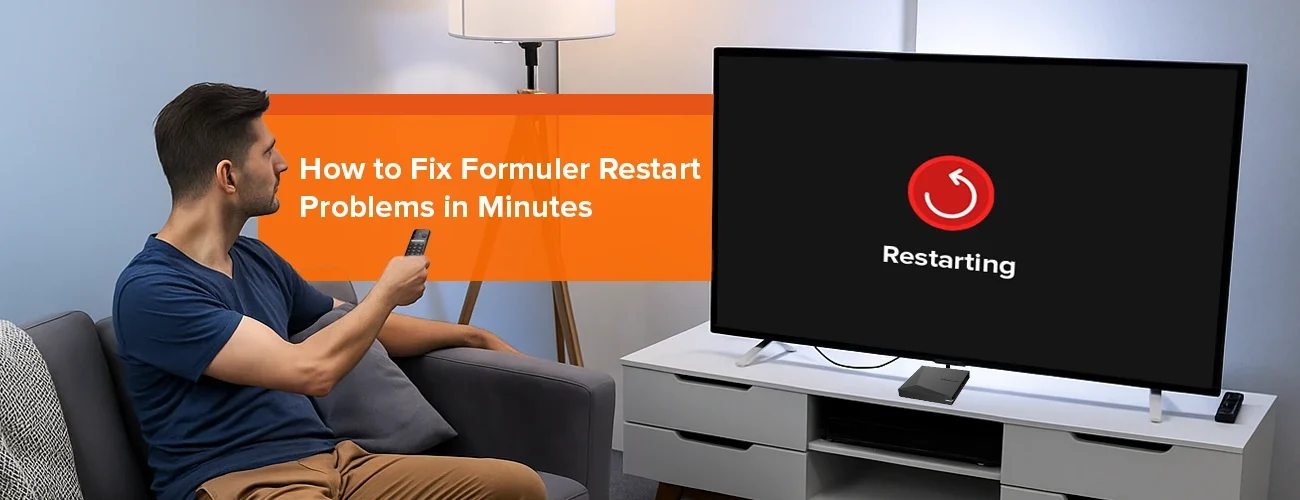
If your Formuler device keeps restarting or gets stuck in a boot loop, don’t worry—you’re not alone. Many users experience this issue, and in most cases, it’s easy to fix. Whether you own the Z10 Pro Max or the latest Z11 Pro Max, restart problems usually come down to simple settings, software issues, or hardware connections. In this guide, we’ll walk you through the best Formuler restart fix methods so you can get back to smooth streaming in no time.
Common Reasons Why Your Formuler Keeps Restarting
1. Power Supply Issues
A weak or faulty power adapter can cause your Formuler device to restart unexpectedly.
- Always use the original Formuler adapter and cable.
- Avoid cheap replacements, as they may not provide stable voltage.
2. Overheating
Like any Android streaming device, Formuler can overheat if used for long hours without proper ventilation.
- Keep your device in a well-ventilated area.
- Avoid covering it with other electronics.
3. Outdated Firmware
Running outdated firmware may cause system instability and boot loops.
- Go to Settings > Software Update to check for the latest update.
- Updating can fix bugs and improve performance.
4. App Conflicts
Installing too many third-party apps may cause crashes and restarts.
- Uninstall suspicious or unused apps.
- Stick to trusted apps via Google Play Store or Formuler’s official store.
5. Corrupted Cache or Data
Temporary files can build up and cause Formuler boot loop problems.
- Clear cache from Settings > Apps.
- If the issue persists, consider a factory reset (only as a last resort).
Step-by-Step Solutions to Fix Formuler Restart Problems
✅ Step 1: Check Power Adapter and Cable
Use the original Formuler power supply. If your device still restarts, test with another official adapter.
✅ Step 2: Update Firmware
- Go to Settings > About > System Update
- Install the latest available update.
✅ Step 3: Uninstall Problematic Apps
If the restart began after installing a new app, uninstall it immediately.
✅ Step 4: Free Up Storage
Low storage can trigger random restarts. Delete unused apps, clear cache, and use an external USB drive for recordings.
✅ Step 5: Perform a Factory Reset
If nothing works, backup your data and perform a factory reset:
- Go to Settings > Device Preferences > Reset.
- This restores your Formuler to default settings.
Comparison Table: Quick Fixes for Formuler Restart Issues
| Problem | Solution |
|---|---|
| Power supply issue | Use official Formuler adapter & cable |
| Overheating | Keep device ventilated & avoid covering |
| Outdated firmware | Update via Settings > System Update |
| Corrupted cache | Clear cache or factory reset |
| App conflicts | Uninstall suspicious/unused apps |
Internal & External Links
- Learn more about devices at Formuler.com
- Related guides on Formuler.blog:
- How to Speed Up Your Formuler Device: Optimization Tips
- Top Reasons to Upgrade from Formuler Z10 Pro Max to Z11 Pro Max
Final Thoughts
A Formuler restart fix is usually simple—whether it’s updating firmware, using the right adapter, or clearing cache. With the right steps, you can avoid Formuler boot loop problems and enjoy uninterrupted entertainment. If issues persist, contact Formuler support for assistance.
👉 Ready for a smoother streaming experience? Check out the latest Z11 Pro Max and accessories at Formuler.com.
Q1. Why does my Formuler Z11 Pro Max keep restarting?
This usually happens due to power issues, outdated firmware, or app conflicts.
Q2. Can overheating cause Formuler restart problems?
Yes. Ensure your device has proper ventilation to prevent random shutdowns.
Q3. How do I fix a Formuler boot loop?
Try clearing cache, uninstalling recent apps, or performing a factory reset.
Q4. Do I need to replace my Formuler if it keeps restarting?
Not always. Most issues can be solved with the above troubleshooting steps.