


Nobody likes buffering or slow performance when streaming. If your Formuler device feels sluggish, don’t worry — a few simple tweaks can make a huge difference. Whether you own the latest Formuler Z11 Pro Max or another model, these optimization tips will help you enjoy faster navigation, smoother playback, and a lag-free experience.
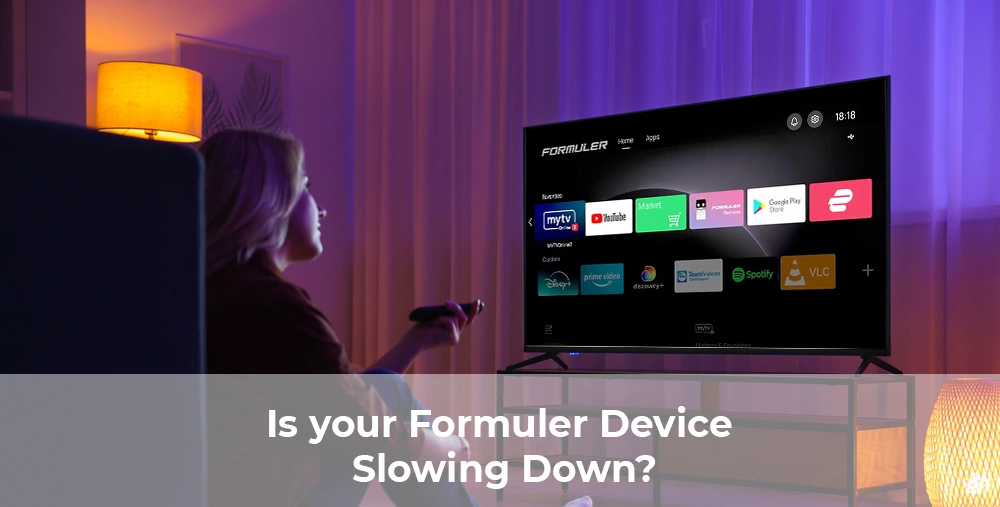
Why Your Formuler Device Might Be Slow
Before jumping into fixes, it’s good to understand why lag happens:
- Limited storage space filled with apps or recordings.
- Outdated firmware or MyTVOnline 3 app.
- Running too many apps in the background.
- Weak or unstable internet connection.
Step-by-Step Optimization Tips
1.Keep Your Formuler Updated
Always update your Formuler firmware and the MyTVOnline 3 app. Updates fix bugs, improve performance, and add new features.
- Go to Settings > About > System Update.
- Check and install any available updates.
2. Clear Cache & Unused Apps
Just like smartphones, Formuler devices can slow down if overloaded.
- Open Settings > Apps > See All Apps.
- Select apps you don’t use often and Clear Cache.
- Uninstall apps you no longer need.
3. Optimize Internet Connection
Streaming depends on stable internet.
- Use a wired Ethernet connection if possible.
- If using Wi-Fi, place your router close to the device.
- Restart your modem and router regularly.
4. Enable Performance Mode
Some Formuler devices, like the Z11 Pro Max, allow performance tuning.
- Go to Settings > Advanced Settings.
- Select Performance Mode to prioritize speed over background tasks.
5. Use External Storage
Running out of internal space? Connect a USB or external drive to store recordings and apps. This reduces load on your device and improves speed.
Optimization Checklist
| Optimization Step | Benefit |
|---|---|
| Update Firmware | Fixes bugs and improves performance |
| Clear Cache & Apps | Frees storage and reduces lag |
| Optimize Internet | Smoother streaming and playback |
| Enable Performance Mode | Boosts speed for apps and menus |
| Use External Storage | Prevents slowdowns from low memory |
Final Thoughts
Your Formuler device is built for premium streaming, and with these simple optimization steps, you can make sure it always runs at top speed. Whether you’re fixing Formuler lag issues or looking to optimize your Formuler Z11 Pro Max, these tips will keep your streaming smooth.
👉 Looking for a new device? Explore the latest lineup at Formuler.com or check more tips on our Formuler Blog
FAQ
Q1. Why is my Formuler Z11 Pro Max lagging?
Lag can be caused by low storage, outdated firmware, or slow internet. Clearing cache and updating fixes most issues.
Q2. Can external storage really improve speed?
Yes. Offloading apps and recordings to external storage frees up internal space, which helps performance.
Q3. How often should I update my Formuler device?
Check for updates monthly or whenever new firmware notifications appear.
Q4. Does using Wi-Fi affect performance?
Yes. Wired Ethernet is always faster and more stable for streaming.











[…] How to Speed Up Your Formuler Device: Optimization Tips […]