Introduction
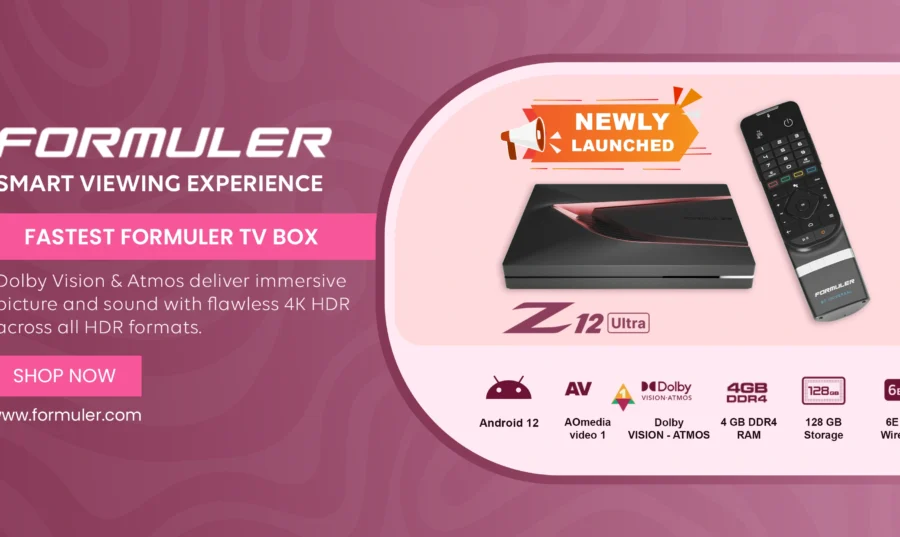
If your Formuler device is acting up, one of the best ways to fix common issues is to reset your Formuler box. Whether you’re using the Formuler Z11 Pro, Z11 Pro Max, or any other Formuler model, this simple guide will walk you through how to safely Reset Formuler Box without losing your mind.
🔧 Why You Should Reset Your Formuler Box
Resetting your Formuler box can solve:
- Booting issues
- Remote not working
- Network connectivity problems – Wi-Fi issues
- Playback or remote issues
Doing a proper Formuler box reset often restores full performance.
Types of Reset Options
- Soft Reset – The quick fix
- Go to: Settings > Device Preferences > About > Restart
- This method doesn’t delete apps or settings. Just reboots the system.
- Factory Reset – Clean and fresh start
⚠️ Warning: This will erase all apps, data, and settings.
Follow these steps:
- Step 1: Go to Settings
- Step 2: Choose “Device Preferences”
- Step 3: Select on “Reset”
- Step 4: Select “Reset” → Confirm Factory Reset
- Step 5: The device will reboot and start fresh.
This is especially useful when the Formuler Z11 Pro Max or other devices become unresponsive.
👉 Troubleshooting Common Formuler Issues
📱 When to Use the Remote Shortcut Reset
If your device won’t boot:
- Unplug power cable
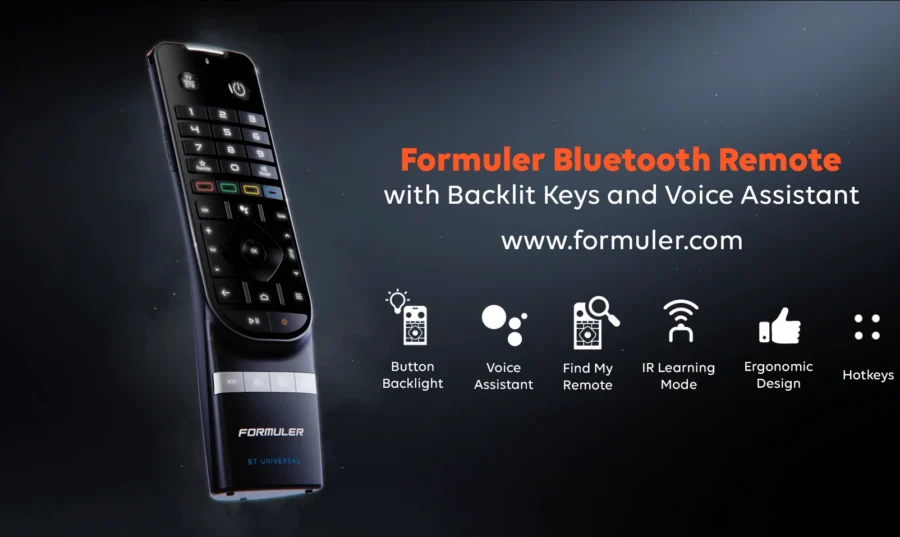
- Hold the OK button on the remote
- Plug back the power while holding OK
- The recovery menu will appear
- Select “Factory Reset”
💡 Pro Tip:
After reset, make sure to:
- Reinstall MyTVOnline
- Reconnect to Wi-Fi
- Update firmware if prompted
FAQ: Resetting Formuler Devices
Q1: Will resetting delete my MyTVOnline app?
Yes, factory reset will remove all apps. You can reinstall them from the Formuler Market.
Q2: My Formuler remote isn’t working after reset. What now?
Replace the batteries and re-pair the remote by pointing it directly at the box.
Q3: Is there a way to reset without a remote?
Yes, use the hardware recovery method using a USB keyboard or mouse.
Conclusion
Resetting your Formuler Box is a fast and reliable way to solve most problems. Whether you own the Formuler Z11 Pro, Z11 Pro Max, or earlier models — these steps will help you stay in control.