

📲 What is MyTVOnline 3?
MyTVOnline 3 is Formuler’s exclusive IPTV app designed for a smooth and premium streaming experience. With features like EPG, catch-up TV, and lightning-fast channel zapping, it’s the go-to app for IPTV lovers.
🧰 How to Install MyTVOnline 3 on Your Formuler Box
Note: Most newer Formuler devices like Z11 Pro, Z11 Pro Max, and Z10 Series come with MyTVOnline 3 pre-installed.
If not, follow these steps:
- Connect to Wi-Fi or Ethernet.
- Open the Play Store on your Formuler home screen.
- Search for MyTVOnline 3.
- Click Install.
- Once installed, open the app from your app drawer.
✅ Pro Tip: Keep your firmware updated to ensure compatibility and get the latest features.
⚙️ Setting Up MyTVOnline 3 – Step-by-Step
To enjoy IPTV, follow these steps to set up the app:
- Open MyTVOnline 3.
- Click on Add Portal or Add Playlist.
- Enter the Portal URL or M3U URL from your IPTV provider.
- Name the portal (example: Home IPTV).
- Click Connect.
⏳ Wait a few seconds for the channels and EPG to load. You’re now ready to stream!
More about Troubleshooting Formuler Issues
💡 Tips for the Best Streaming Experience
- Use a Gigabit LAN connection for the smoothest playback.
- Install a VPN like ExpressVPN for privacy and geo-unblocking.
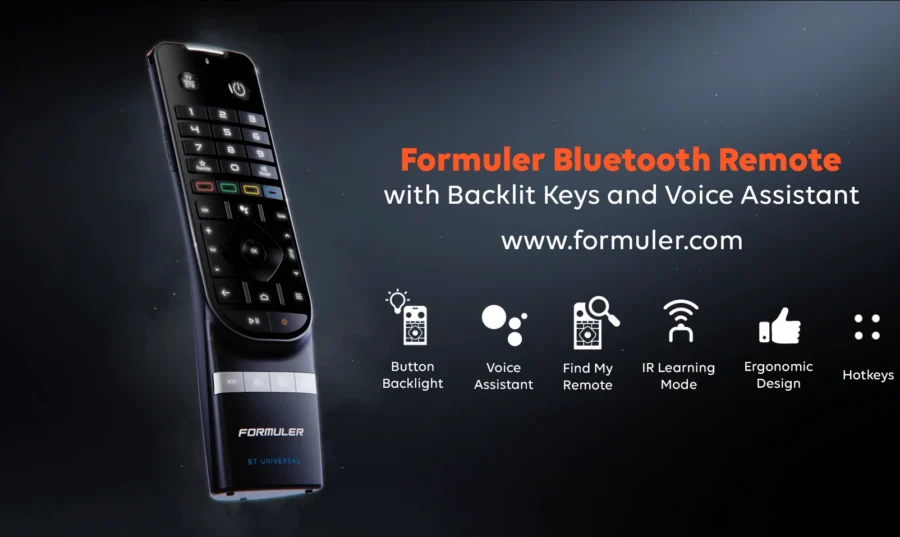
- For quick access, assign MyTVOnline 3 to a shortcut key on your BT1 Remote.
Formuler Z11 Pro Max BT1 comes with MyTVOnline 3 Support
🧠 FAQs – MyTVOnline 3 on Formuler
Q1. Is MyTVOnline 3 available on other devices?
No, it’s exclusive to Formuler devices only.
Q2. I can’t find MyTVOnline 3. What should I do?
Make sure your device supports the app. Z11 Series and some Z10 models are compatible.
Q3. Can I add more than one portal?
Yes, MyTVOnline 3 supports multiple portals and playlists.





[…] Check How to Install and Use MyTVOnline 3 App on Formuler […]
[…] Here is How to Install and Use MyTVOnline 3 App on Formuler […]
[…] Related: How to Install and Use MyTVOnline 3 App on Formuler […]
[…] 🔗 Related: How to Install and Use MyTVOnline 3 App on Formuler […]