

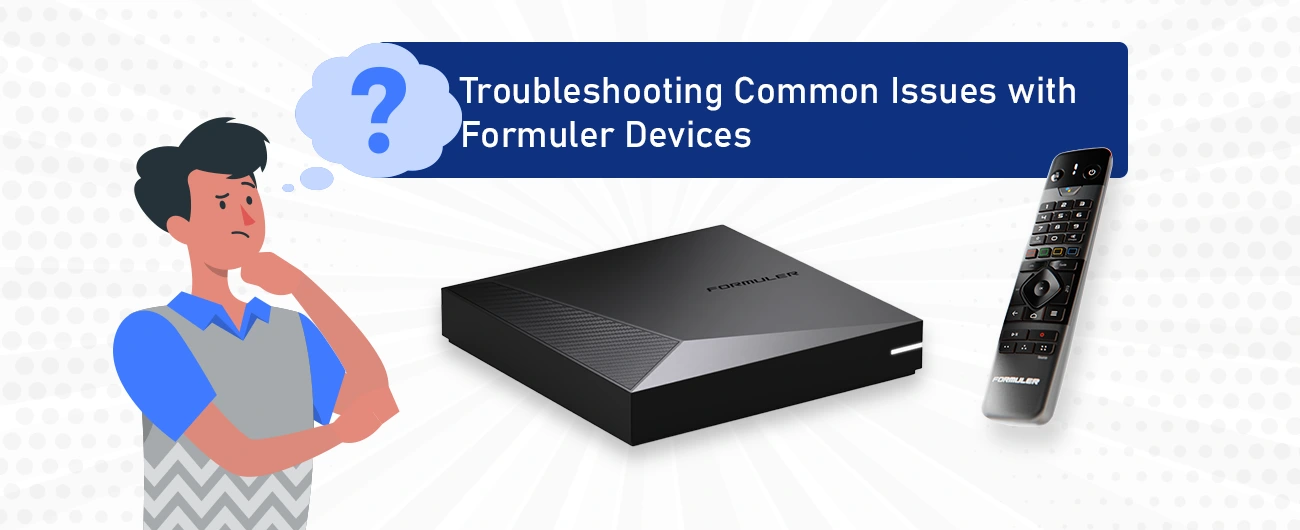
Formuler Device Not Booting —be it the advanced Z11 Pro Max or the reliable Formuler Remote—for delivering smooth and powerful Android TV experiences. But like any device, you might face occasional glitches. this guide will walk you through common problems and provide simple, effective fixes mainly. If your Formuler remote is not working, don’t worry—you’re not alone. Many users face this issue, but most problems can be fixed easily.
Formuler Device Not Booting & How to Fix Them
🚫 Formuler Device Not Booting
Problem: The device won’t turn on or gets stuck during boot.
- Unplug your Formuler box for about 60 seconds, then reconnect it.
- Still stuck? Perform a factory reset. (Note: This will erase all settings)
- ✅ Learn how to reset your Formuler device
📶 Poor Streaming Quality
Problem: Buffering, lag, or blurry video.
Solution:
- Check your internet speed. For smooth 4K playback, at least 25 Mbps is recommended.
- Prefer a wired (Ethernet) connection over Wi-Fi for stability.
- Keep your Formuler device near your router if using Wi-Fi.
❌ Apps Freezing or Crashing
Problem: Apps randomly close or don’t load.
Solution:
- Go to the App Store and ensure all your apps are updated.
- Uninstall and reinstall problematic apps.
- Clear app cache from the Formuler settings menu.
🔇 No Sound Output
Problem: No audio even though video plays fine.
Solution:
- Check the audio output settings: HDMI, Optical, or Analog.
- Make sure TV or audio system volume is up and not muted.
- Try a different HDMI cable or port if the problem continues.
🎮 Formuler Remote Not Working
Problem: Remote is unresponsive or laggy.
Solution:
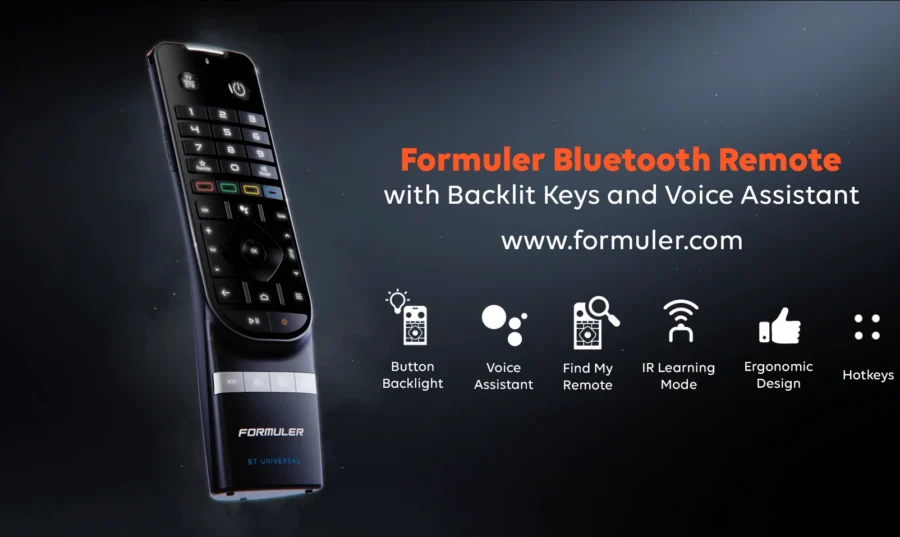
- Replace or recharge the batteries.
- Re-pair the remote by holding the OK + Return buttons together.
- Check if the IR signal is blocked or the Bluetooth connection dropped.
🛠️ Check out the Formuler Remote Organizer to keep it safe and accessible.
🕓 EPG (Electronic Program Guide) Not Loading
Problem: No program information displayed.
Solution:
- Ensure your internet is active and stable.
- Refresh the EPG in the MyTVOnline settings.
- Double-check EPG source settings for accuracy.
🔐 Can’t Access Some Channels
Problem: Channels not loading or displaying errors.
Solution:
- Make sure your IPTV subscription is valid and not expired.
- Re-enter the portal URL/server info correctly.
- Contact your IPTV provider for any server issues.
🔥 Formuler Device Overheating
Problem: Device feels too hot or turns off.
Solution:
- Place the device in a cool, open area with good airflow.
- Avoid stacking it with other electronics or enclosing it in cabinets.
- Consider using a small cooling pad if the problem persists.
✅ Pro Tips to Prevent Future Issues
Keep your Formuler firmware updated from the official site:
Visit Formuler.com
- Use the Formuler Remote Organizer to protect your remote from damage.
- Regularly clear cache and restart the device weekly for optimal performance.
🧠 FAQ – Troubleshooting Formuler Devices
How do I reset my Formuler box to factory settings?
Go to Settings → System → Factory Reset. You’ll lose custom settings, so back up your data.
My Formuler remote is flashing but not working. What do I do?
Try re-pairing it using the Bluetooth reset combination (OK + Return).
Why is my Formuler Z11 Pro Max buffering even on fast internet?
Check your app source, switch to Ethernet, or try a different server portal.
How can I keep my remotes tidy?
Use the stylish Formuler Remote Organizer to keep everything neat.
Where can I find more tips or reviews on Formuler devices?
Read our comparison post:
👉 Formuler Z11 Pro Max BT1 vs Apple TV 4K
🧩 Final Thoughts
With a little patience and the right steps, most issues with your Formuler box or remote can be resolved at home. Stay updated, organized, and connected for the best streaming experience!
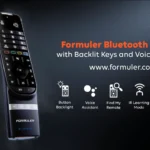


[…] How to Fix Formuler Box Not Booting – Easy Troubleshooting […]
[…] 👉 Troubleshooting Common Formuler Issues […]
[…] More about Troubleshooting Formuler Issues […]
[…] Troubleshooting Common Issues with Formuler Devices […]