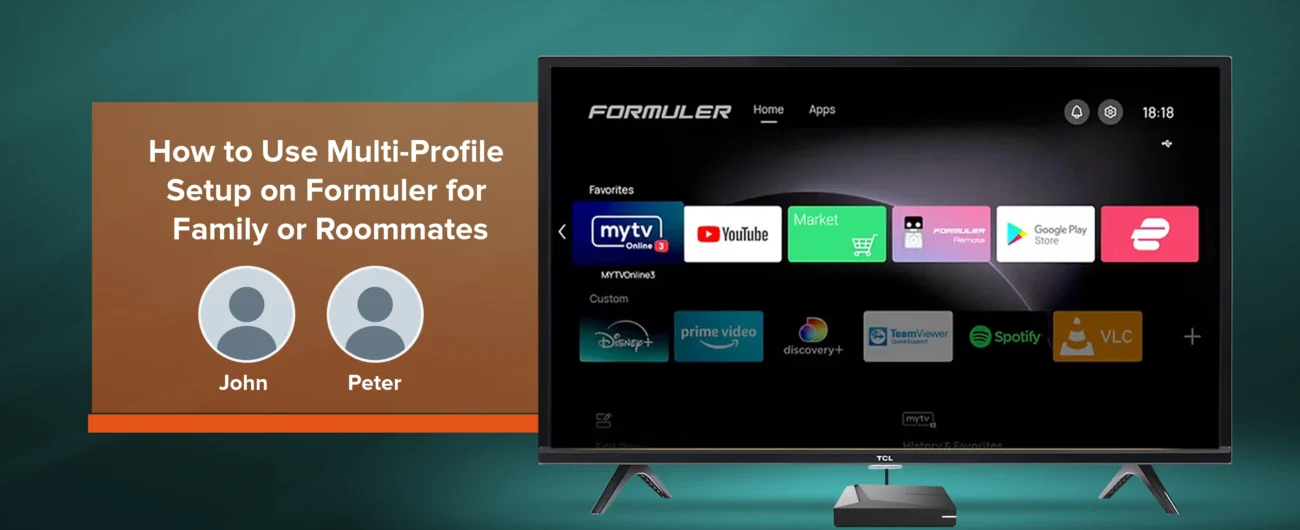
Formuler devices are designed to give you a personalized streaming experience. But what if you share your Formuler with your family or roommates? Luckily, Formuler multiple users setup makes this simple. With the multi-profile feature, everyone can enjoy their own channels, playlists, and settings without mixing things up.
In this guide, we’ll show you step-by-step how to set up Formuler profiles, so each user gets a custom streaming experience.
Why Use Multiple Profiles on Formuler?

Having multiple profiles is not just a convenience—it’s a necessity for shared households. Here’s why:
- ✅ Each user gets a personalized channel list
- ✅ No more messing up favorites or recordings
- ✅ Parents can control kids’ profiles with parental settings
- ✅ Easy to switch between family members or roommates
Step-by-Step Guide: Setting Up Multiple Profiles on Formuler
1. Access the Profile Manager
- Turn on your Formuler device.
- From the home screen, open MyTVOnline 3.
- Go to Profile Manager from the settings menu.
2. Add a New Profile
- Select “Add Profile”.
- Choose the connection type (Portal, M3U, XC, etc.).
- Enter the login details provided by your IPTV service.
3. Customize the Profile
- Give the profile a unique name (e.g., “Dad,” “Kids,” “Roommate”).
- Optionally, set a custom icon for easy recognition.
4. Secure with Parental Controls
- For kids’ profiles, activate parental PIN lock.
- Limit access to mature channels.
5. Switch Between Profiles
- From the Profile Manager, simply select the profile you want to use.
- Each profile will load its own settings, channels, and EPG.
Multi-Profile Features at a Glance
| Feature | Benefit |
|---|---|
| Separate Profiles | Each user has their own streaming space |
| Custom Favorites | No overlap of favorite channels |
| Parental Controls | Secure and restrict kids’ profiles |
| Quick Switching | Easily change between family members or roommates |
Related Reads on Formuler.blog
- Beginner’s Guide to Setting Up IPTV on Formuler Devices
- How to Use BT1 Remote Effectively with Formuler Devices
- Formuler Parental Controls: Keep Your Kids Safe While Streaming
Where to Buy Official Formuler Devices
Always buy from trusted and authorized sources to ensure genuine products and updates. Visit Formuler.com to explore the latest devices or check deals at authorized North American resellers.
👉 Want the best experience? Get your Formuler Z11 Pro Max and enjoy advanced features like multi-profile setup today.
FAQs: Multi-Profile Setup on Formuler
Q1. How many profiles can I create on my Formuler device?
Most Formuler devices allow multiple profiles, but the exact number depends on your IPTV provider.
Q2. Can I use different IPTV services for each profile?
Yes, you can set up separate IPTV portals or M3U playlists for each profile.
Q3. Are parental controls available per profile?
Yes, you can assign a PIN lock and apply parental restrictions to individual profiles.
Q4. Do profiles affect storage or recordings?
Recordings are device-based, but each profile can have separate favorites and channel lists.