

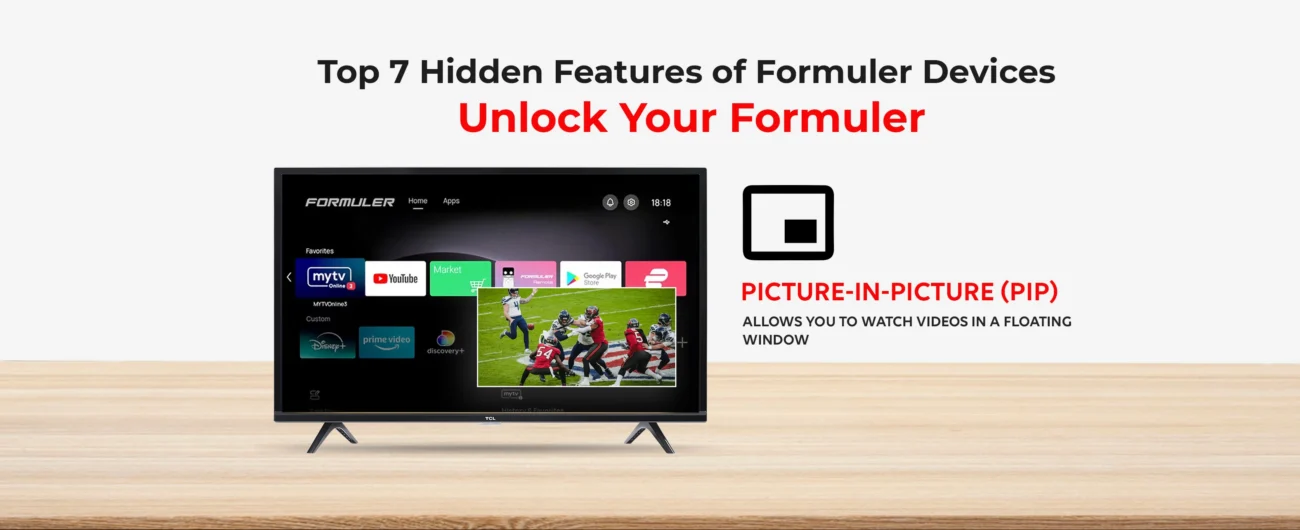
Formuler devices are famous for delivering an incredible streaming experience. But did you know your Formuler box hides several powerful features that can make it even better?
In this blog, we uncover the top hidden tricks for your Formuler, Formuler Z11 Pro, Z11 Pro Max, and Formuler Remote to unlock their full potential!
1.Advanced EPG Settings in MyTVOnline 3
The Electronic Program Guide (EPG) in MyTVOnline 3 is more powerful than you think.
You can customize the guide view, organize channels by category, and even download multiple EPG sources for better accuracy.
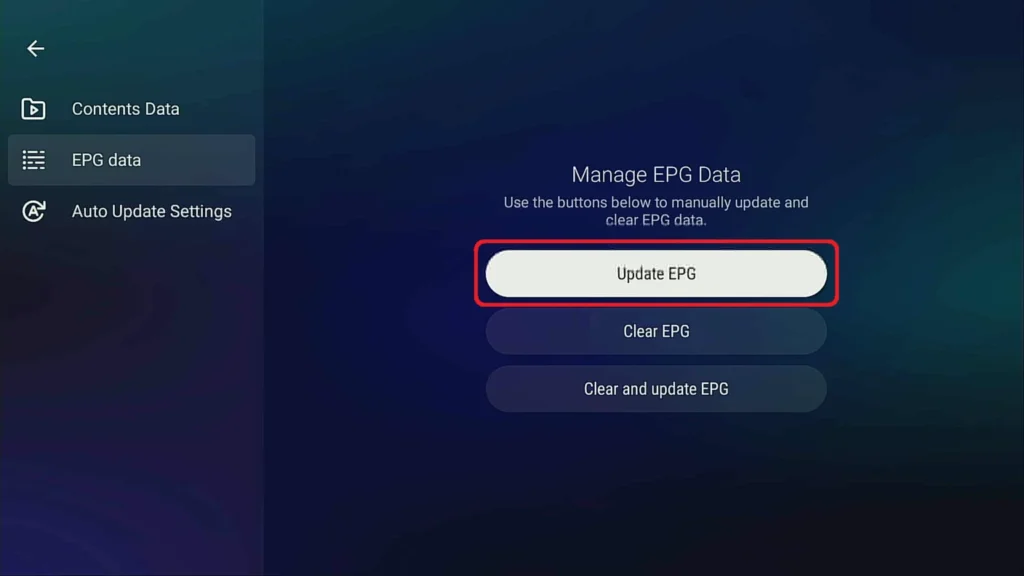
Pro Tip: In Settings > EPG > Load Alternative Source for maximum accuracy.
👉 Related Guide: How to Install and Use MyTVOnline 3 App on Formuler
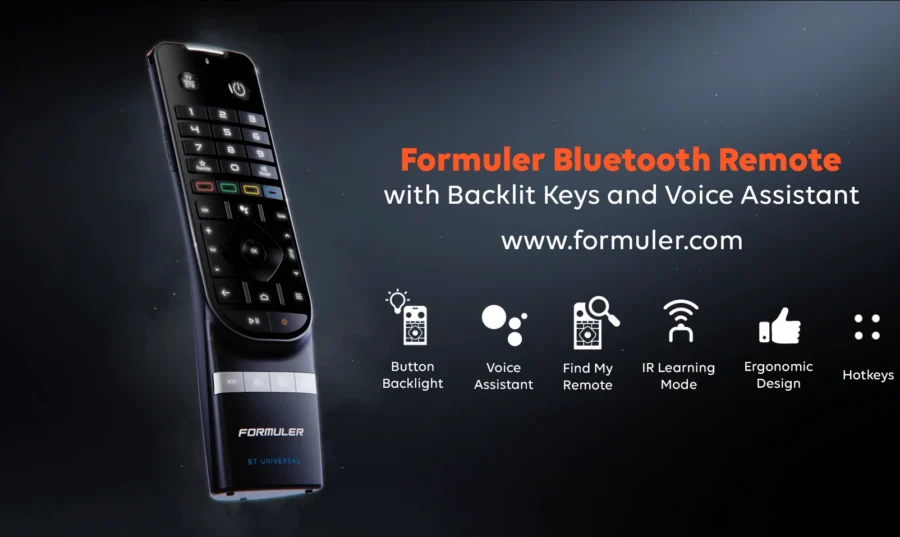
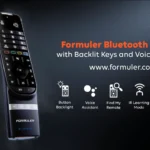
2.Bluetooth Voice Search with BT1 Remote
If you have the Formuler BT1 Remote, you can activate Bluetooth Voice Search to quickly find your favorite apps, shows, or settings — hands-free!
How to Use:
Press the Microphone button 🔍 and speak your command!
👉 Check This: How to Use BT1 Remote Effectively with Formuler Devices
Picture-in-Picture (PiP) Mode
Love multitasking?
Formuler Z11 Pro and Z11 Pro Max offer a PiP Mode, allowing you to watch two channels at once — perfect for sports and news fans!
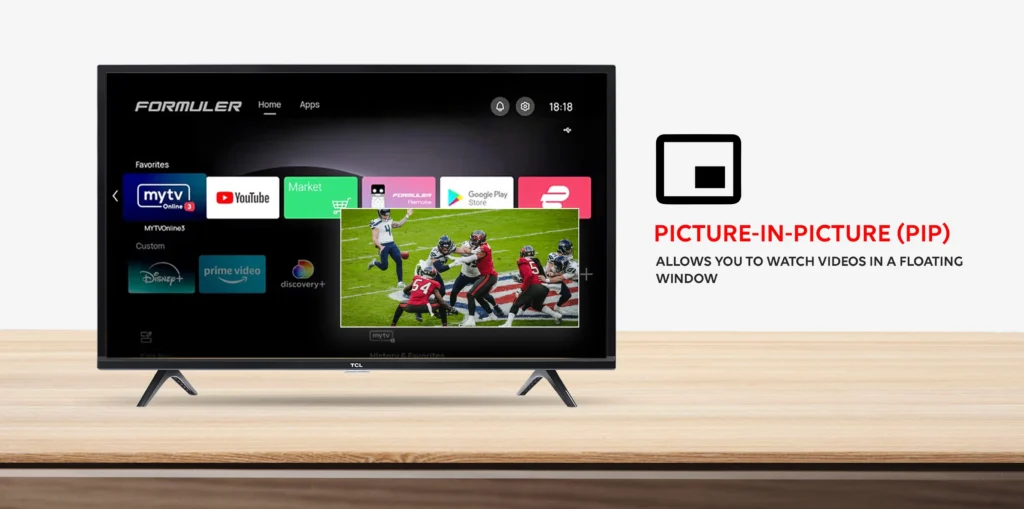
How to Enable:
Open Settings > PiP > Activate PiP mode.
Ethernet Prioritization for Stable Streaming
If both Wi-Fi and LAN (Ethernet) are available, Formuler automatically prefers Ethernet for a stronger, smoother connection.
Pro Tip: Always use LAN cable for uninterrupted IPTV streaming on your Formuler Box!
App Lock and Parental Controls
Protect your kids or secure your private apps easily.
How to Lock Apps:
Settings > Security > App Lock > Choose App
No more accidental app openings!
Manual Software Update Mode
If your Formuler device isn’t detecting automatic updates, you can force a manual update:
Settings > About > System Update > Check for Updates
Keeping your device updated boosts performance and security.
Conclusion
Unlocking these hidden features will make your Formuler device even more powerful.
Whether you’re using the Formuler Z11 Pro Max, Formuler Box, or the smart BT1 Remote, now you can truly enjoy your device to the fullest.
👉 Explore more tips and tricks at Formuler.blog!
Frequently Asked Questions (FAQ)
Q1. What hidden features are available on Formuler devices?
A: Features like PiP mode, EPG customization, custom remote key mapping, and parental controls.
Q2. How do I enable PiP mode on Formuler Z11 Pro Max?
A: Go to Settings > PiP > Activate PiP Mode.
Q3. Can I customize buttons on my Formuler Remote?
A: Yes! Through Settings > Remotes & Accessories > Key Mapping.
Q4. Why should I use Ethernet instead of Wi-Fi on Formuler?
A: Ethernet gives a stronger and more stable IPTV streaming connection.
Q5. How often should I update my Formuler device?
A: Check for updates monthly to stay secure and get new features.




[…] 👉 Top Hidden Features of Formuler Devices […]
[…] Formuler’s Game-Changing Features You Might Not Be Using Yet […]