

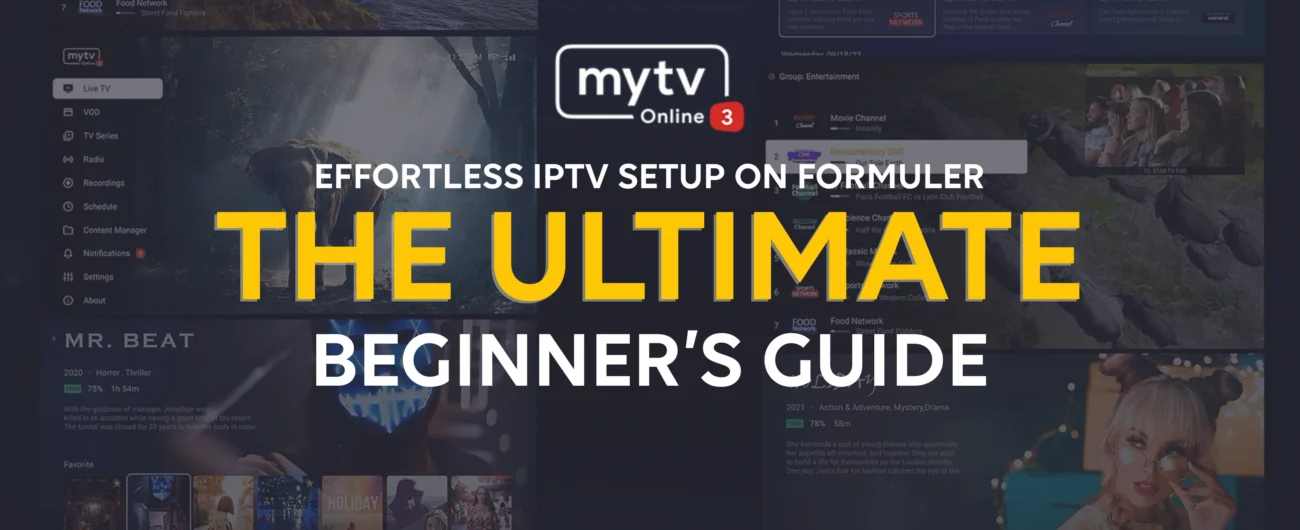
If you’re new to the world of streaming, Formuler devices offer one of the smoothest and most customizable IPTV experiences. Whether you’ve just unboxed your Formuler Z11 Pro Max or want to maximize features on your Formuler Z10 or GTV, this guide walks you through everything—fast and easy.
What You’ll Need Before You Begin
- A Formuler device (e.g., Z11 Pro Max, Z10 Pro, or GTV)
- Active IPTV subscription with M3U URL or portal credentials
- Internet connection (wired preferred, Wi-Fi works too)
- Formuler remote (preferably BT1 Remote for better control)
Step-by-Step IPTV Setup Using MyTVOnline 3
Connect Your Formuler to the Internet
Navigate to: Settings > Network
Select either Ethernet or Wi-Fi, then connect to a stable network.
Open MyTVOnline 3
Navigate to: Apps > MyTVOnline 3
This is the built-in IPTV app developed specifically for Formuler devices.
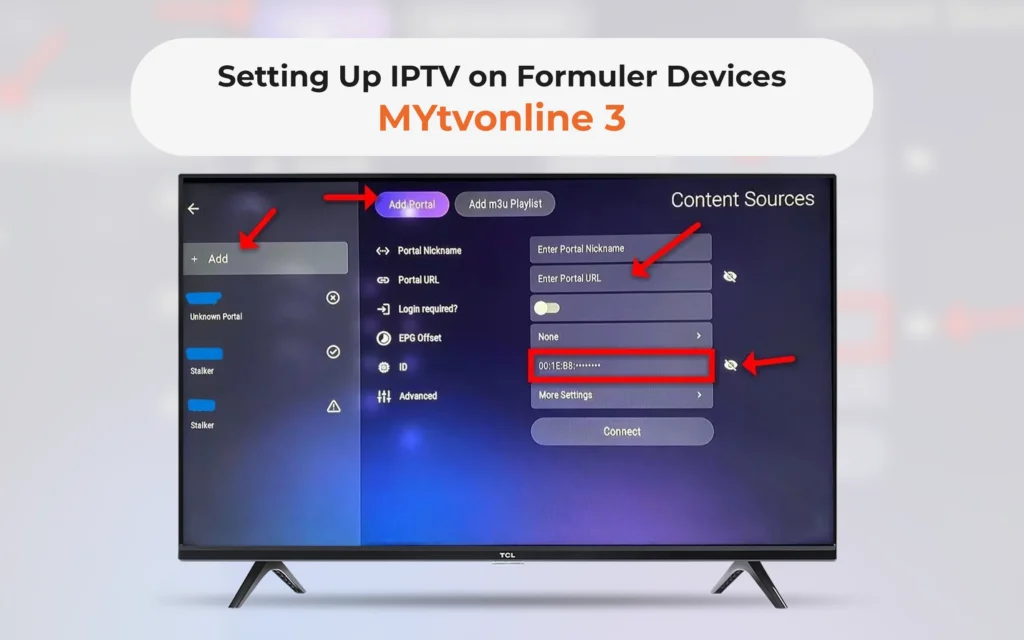
Add IPTV Portal or M3U Playlist
Upon opening, you’ll see options to:
- Add Portal (MAC-based connection)
- Add Playlist (M3U URL method)
TIP: If your IPTV provider gave you a URL likehttp://example.com/c/, choose Add Portal.
For a direct M3U link, select Add Playlist.Fill in the following:
- Service Nickname: Any custom name for identification
- Portal URL or Playlist URL
- Username/Password if required
After entering all details, click OK to proceed.
Let the Channels Load
The app will begin downloading:
- Channel list
- EPG (Electronic Program Guide)
- VOD content
- Channel logos
Please wait for it to complete before streaming.
🔍 Why Choose Formuler for IPTV?
- Smooth Streaming: Zero-lag interface with real-time channel zapping
- MyTVOnline 3: Built-in advanced IPTV app
- Expandable Storage: Add USB or MicroSD for recordings
- 4K UHD Output: Brilliant picture quality for all channels
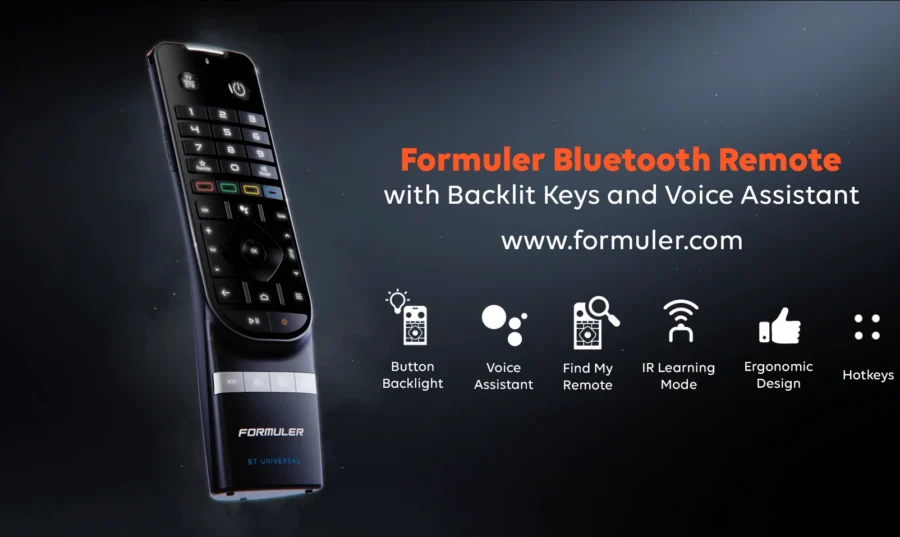
- BT1 Remote: Voice control and shortcut-friendly
💡 Read how to use BT1 Remote effectively with Formuler
🚫 Common Mistakes to Avoid
- ❌ Entering incorrect portal/M3U URL
- ❌ Using unsupported formats (always confirm with your provider)
- ❌ Not updating your device or MyTVOnline 3
🔄 Regularly check for firmware updates via:
Settings > About > System Update
FAQs – Setting Up IPTV on Formuler
Q1: Can I use multiple IPTV subscriptions?
Yes, Formuler supports multiple portals/playlists.
Q2: What’s the best Formuler device for IPTV?
The Formuler Z11 Pro Max is currently the top choice due to performance and features.
Q3: Is MyTVOnline 3 free?
Yes! It comes pre-installed and doesn’t require a subscription.
Q4: Do I need a VPN?
Some users prefer VPNs for privacy and bypassing geo-restrictions.





[…] Check out Beginner’s Guide to Setting Up IPTV on Formuler Devices […]
[…] 👉 Beginner’s Guide to Setting Up IPTV on Formuler […]
[…] Beginner’s Guide to Setting Up IPTV on Formuler Devices […]
[…] Beginner’s Guide to Setting Up IPTV on Formuler Devices […]